 By the Smili Phone team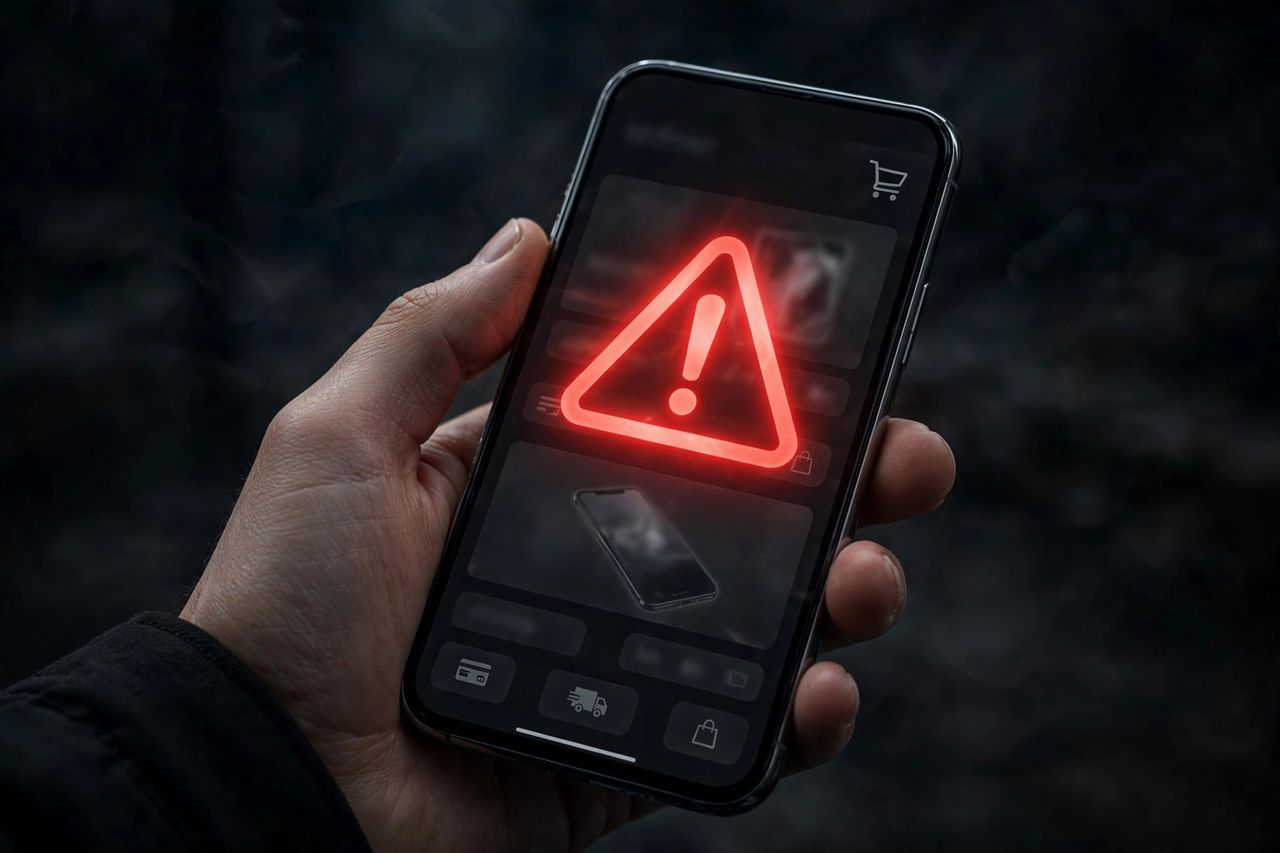
The iPhone Duo is Apple's most talked about launch in years, with official pre-orders opening Friday, October 16. Scammers are milking the hype early. Security researchers at Malwarebytes found a fake Apple-style pre-order page promising early access: simply opening it on an unpatched iPhone is enough to launch an attack. No form to fill, no file to download, no button to tap.
A zero-click attack disguised as a deal
The fake site copies Apple's official store design right down to the footer copyright. It dangles an "Authorized Partner Exclusive" voucher and promises AppleCare+ coverage, but the pre-order form is just a distraction: Malwarebytes found that submitting it shows a "Pre-Order Successful" message without sending anything to a server.
Behind the scenes, an invisible frame checks your iOS version and tries to steer you into Safari. Then it runs the DarkSword exploit chain against older versions of iOS. If it breaks through, a hidden payload goes after your saved keychain passwords, the contents of Apple Notes, and your installed apps. Then it hunts cryptocurrency wallets: MetaMask, Phantom, Trust Wallet, Coinbase Wallet, Exodus, and Tonkeeper, trying to upload wallet files and credentials to the attacker's server.
It does not stop there. The payload also reaches for your messages, contacts, call history, voicemail, email, calendar, and cached location data, and it can check in with its server for further instructions. DarkSword was first disclosed by Google's researchers back in March 2026, and Apple patched it the same month. That is the good news: if your iPhone is running current software, this attack cannot touch you. Only phones running old, unpatched iOS are at risk.
How to spot the fake
The details give it away if you know what to look for:
- The offer is impossible. No legitimate retailer hands out a big discount voucher for a phone that is not even up for pre-order yet. Real pre-orders start October 16.
- The details are wrong. The fake page lists model sizes and colors that do not match Apple's lineup.
- The countdown cheats. The page shows a countdown timer to pressure you, but it resets every time the page reloads.
- Broken links. The privacy policy, terms, and sales policy links do not work. Apple's real site does not have dead legal links.
- Weird arrival. The link reaches you through an unexpected text, email, or social message. Apple does not take pre-orders over random links.
The golden rule of any hyped launch: when pre-orders open, buy only from Apple's official website, the Apple Store app, or your carrier. If you want another place to check availability, you can search for the iPhone Duo on Amazon. Never tap a pre-order link that found you first.
Your two-minute protection checklist
- Update your iPhone now. Open Settings, tap General, then Software Update. Old software is the single biggest reason these attacks work. The DarkSword patch has been out since March.
- Treat launch hype links like phishing. If a deal arrives uninvited, close it and go to the retailer's site by typing the address yourself.
- Check what opened. If you already tapped a suspicious link, update your software, review your saved passwords, and check wallet apps for unfamiliar activity.
Scams like this are why we keep saying it: your phone is only as safe as its last update. If your iPhone is stuck on an old version and the update will not install, bring it by our Escondido shop. We will get you current and give the phone a full security checkup.
As an Amazon Associate, Smili Phone Repair earns from qualifying purchases.
Related: your phone's hidden security mode · back up your phone before a repair